
Run your club, not the phone.
Courts, lessons, payments and the pro shop for tennis and padel clubs, on one calendar. Players book and pay on your page or in the app, day and night, and the money goes straight to your account.
Already on OnCourt? Club staff sign-in
- Start with a free trial
- We set up your club with you
- Payments go straight to your LiqPay or monobank account
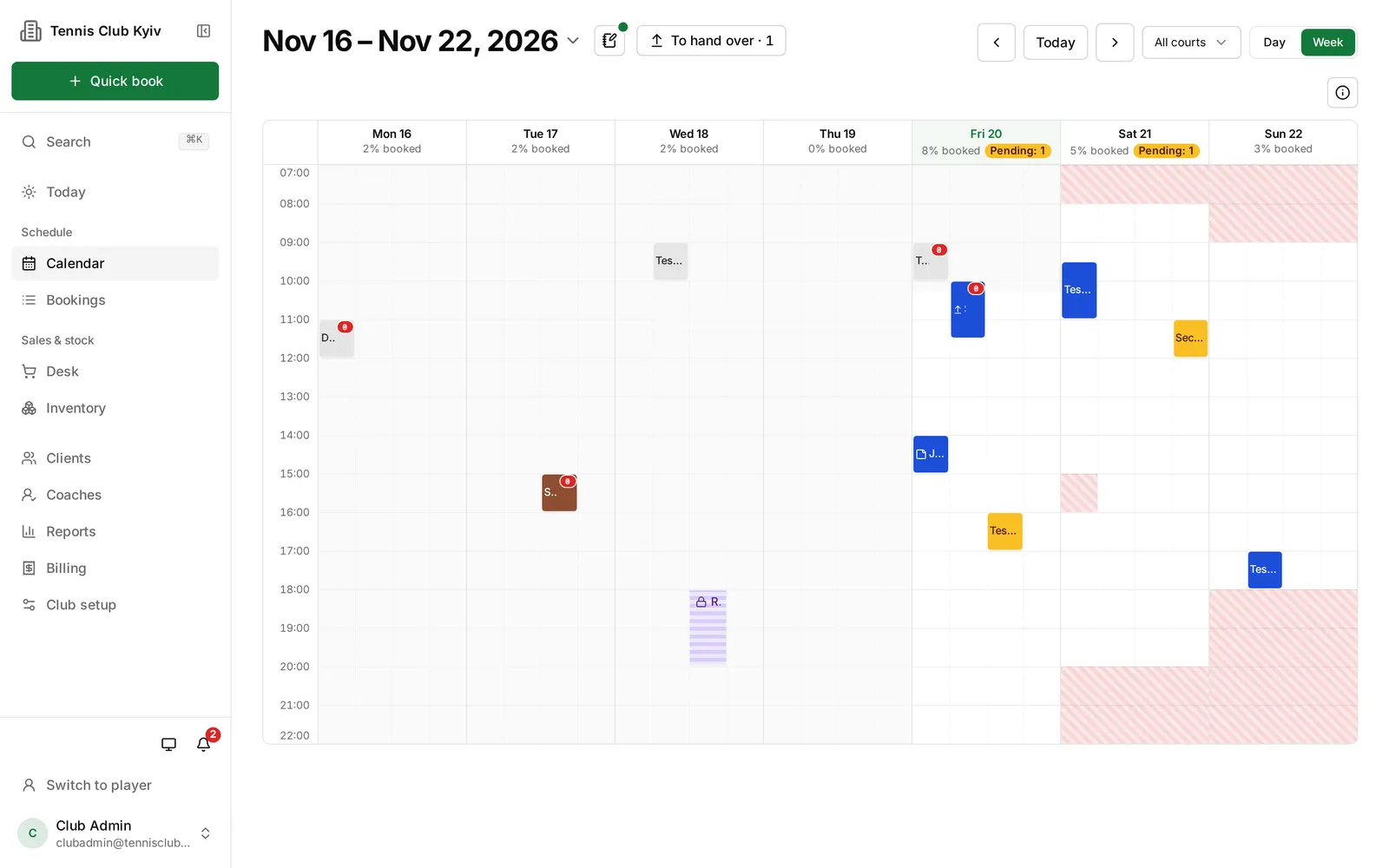
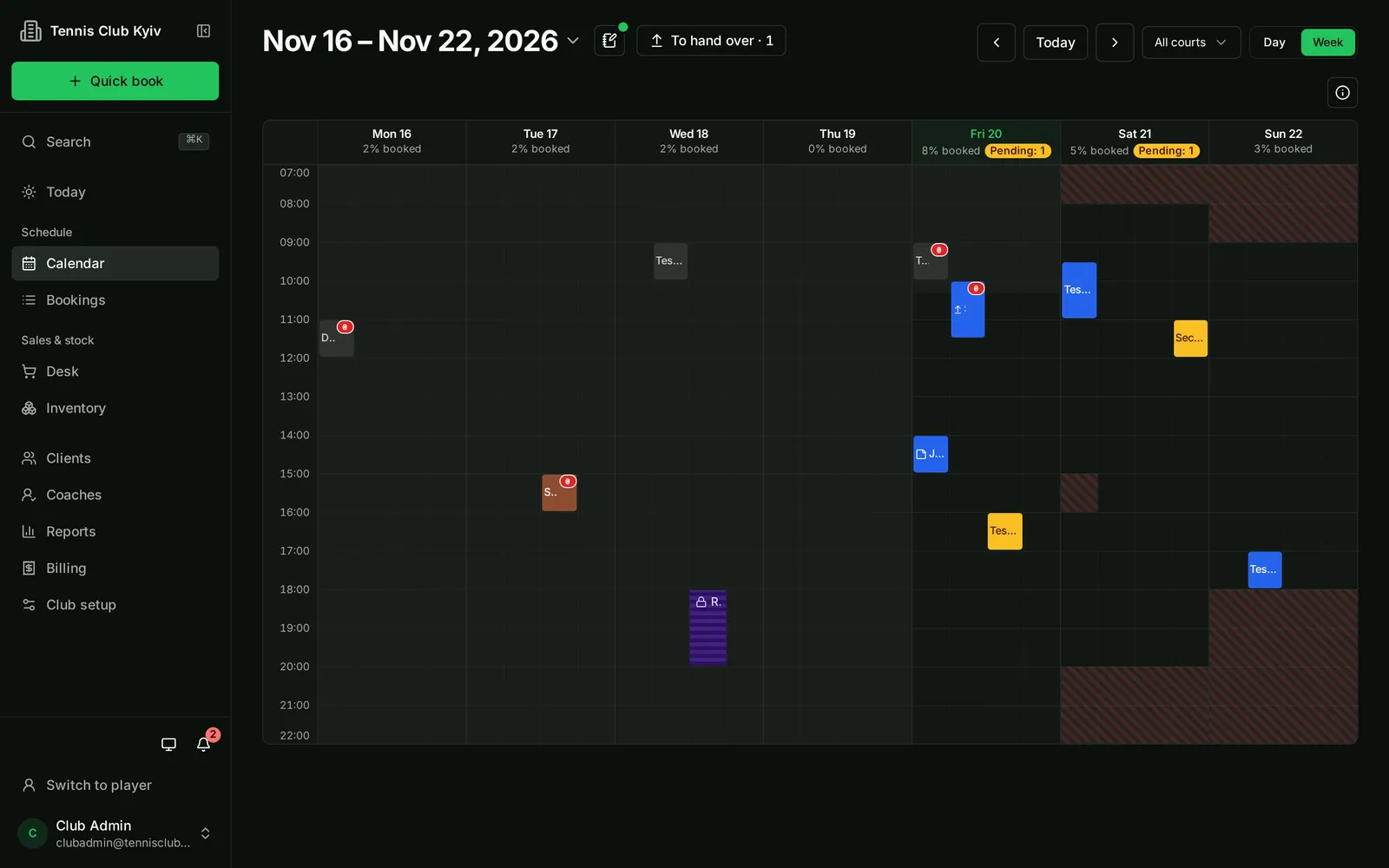
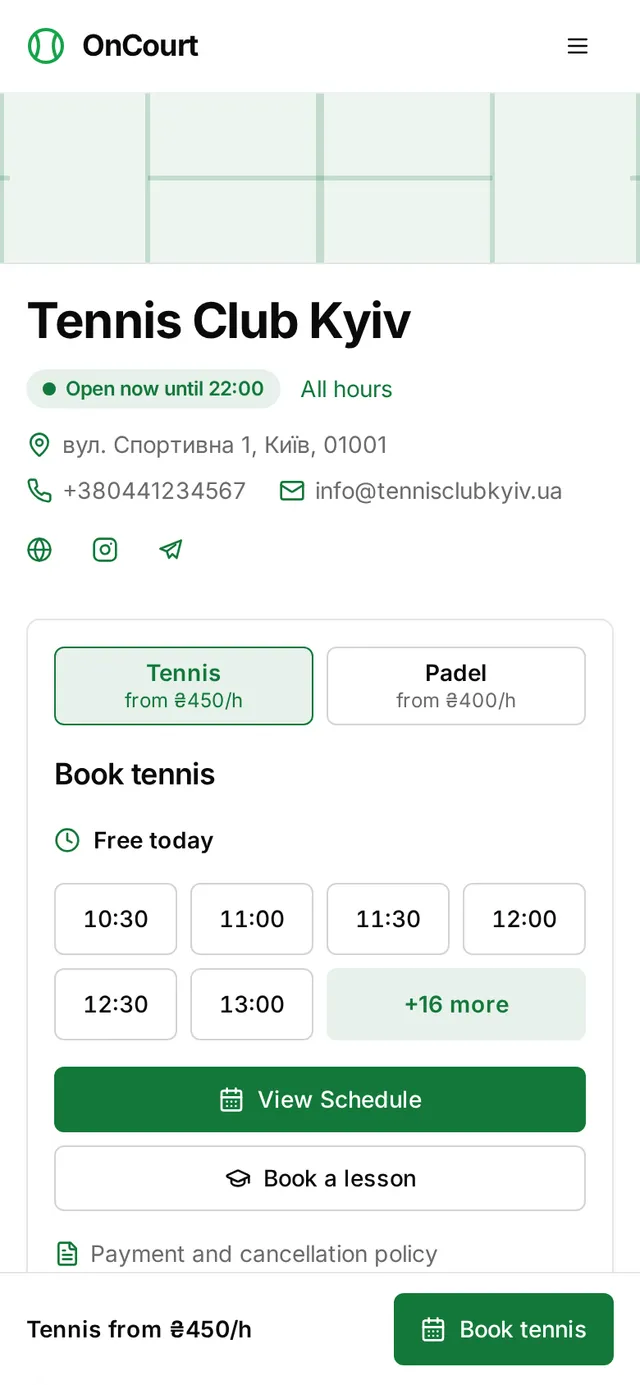
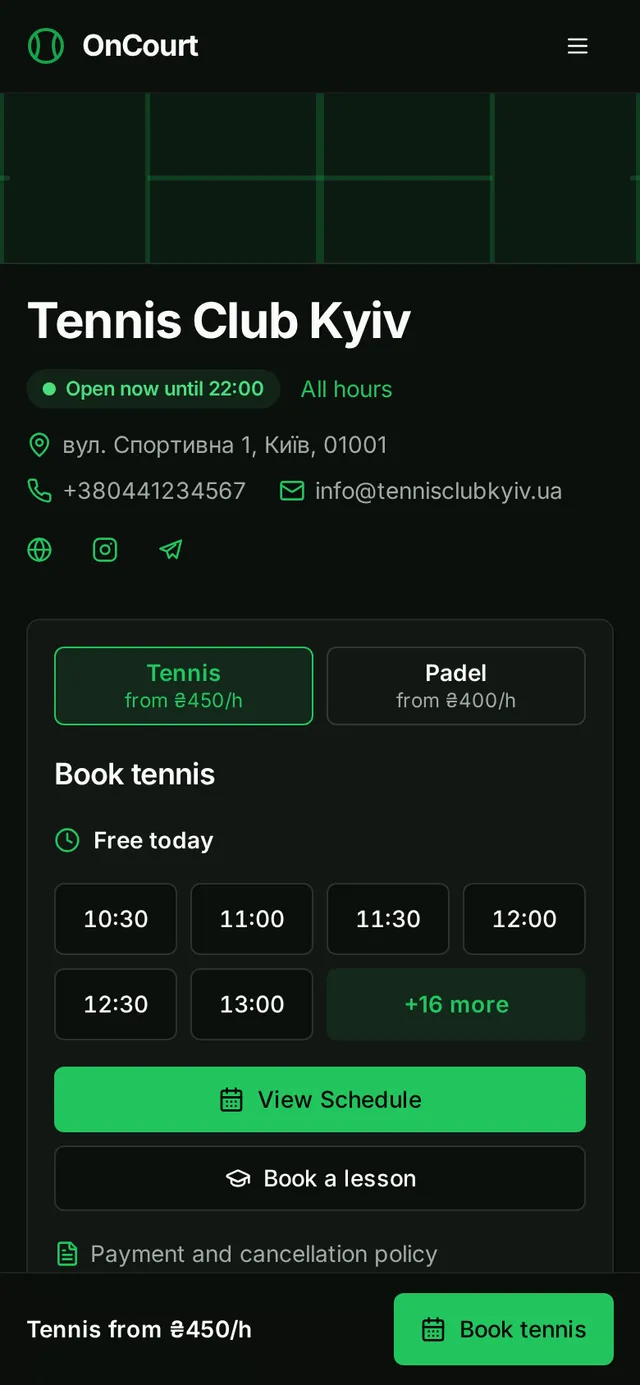
Real OnCourt screens, not mockups
What changes with OnCourt
Before
Bookings by phone, Instagram and Telegram, all day long
With OnCourt
Players book themselves on your page or in the app, even at night
Before
Chasing card transfers and reminding people to pay
With OnCourt
Card payment at booking, or a pay link and QR code from the desk
Before
No-shows, and courts left empty after a cancellation
With OnCourt
A reminder before the game, and a waitlist that tells players a court is free
Before
A notebook, a spreadsheet and a cash box that never adds up
With OnCourt
One calendar for courts, lessons and sales that shows what is still unpaid
One booking, start to finish
What happens when a player books a court at your club.
The player books
On your club page or in the app: a free time, the price with their discount, extras like a racket or balls, and card payment if you ask for it.
OnCourt follows up
A confirmation, then a reminder before the game. An unpaid booking frees its court after the minutes you set, and players on the waitlist hear about it.
Your desk is ready
The booking is on the calendar with what it still owes and what to hand over. The money is in your merchant account and in the reports.
Everything your front desk does, on one screen
Calendar, approvals, payments, clients, lessons and day notes in one place, so nothing lives in a notebook any more.
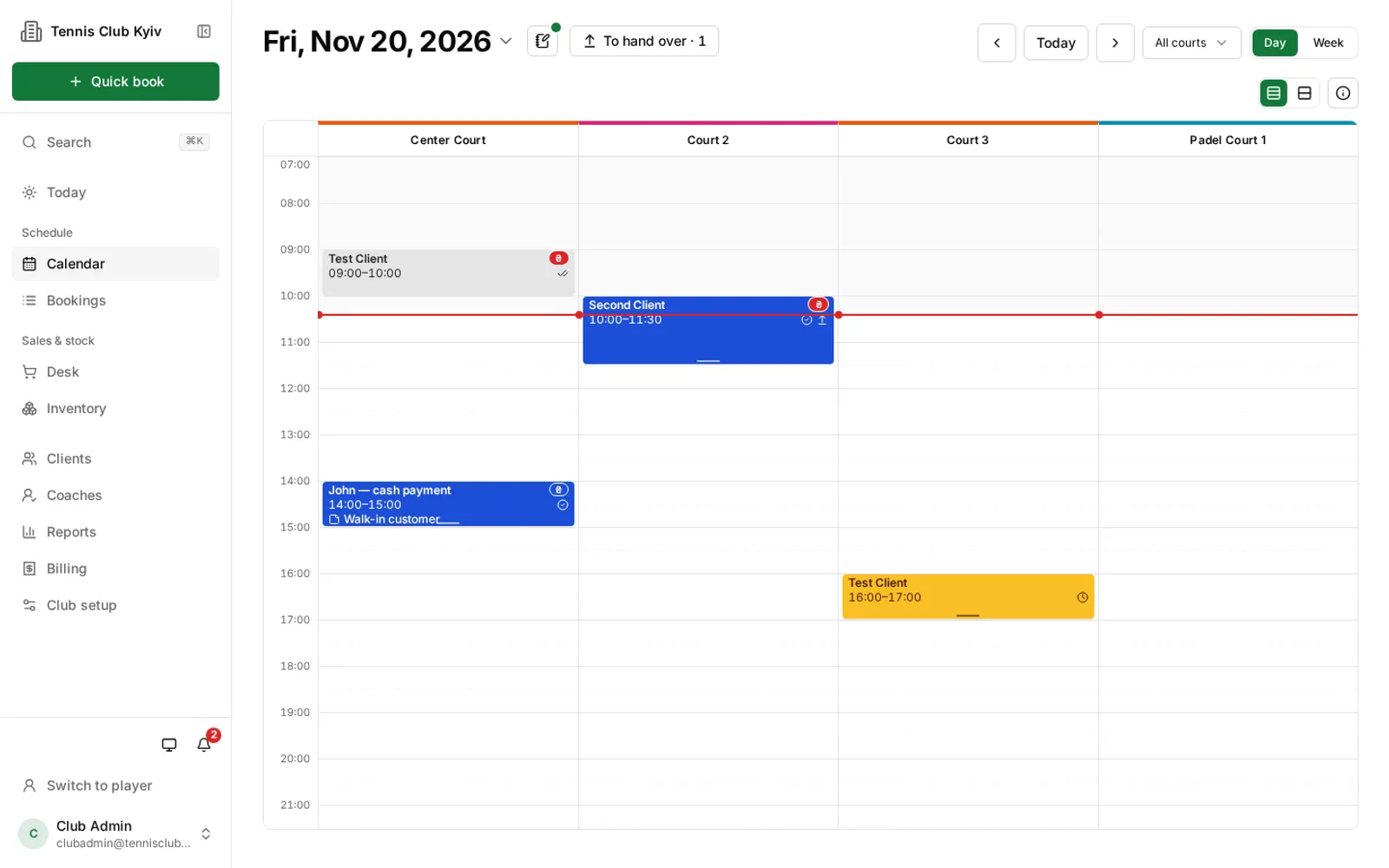
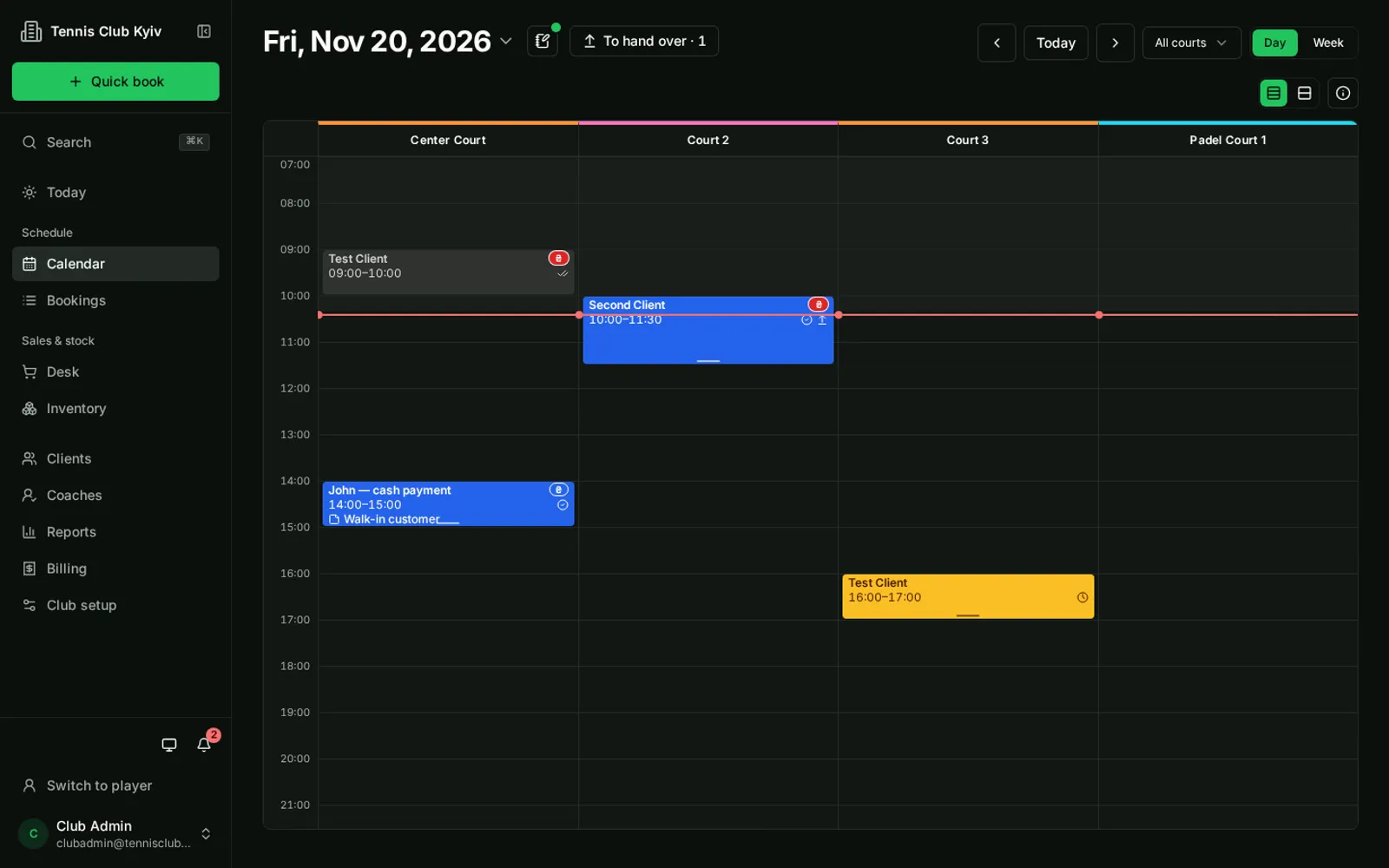
Calendar
See the whole week at a glance
Every court in one grid. Drag a booking to move it, pull its edge to extend it, click an empty slot to book it.
- Day and week views, occupancy per day, notes for the day and for each booking
- Drag-and-drop or keyboard: move and resize in place
- Blocks, closures, a coach's reserved court and weekly series, all on the grid
- What each booking still owes, and what to hand over, right on the grid
Today
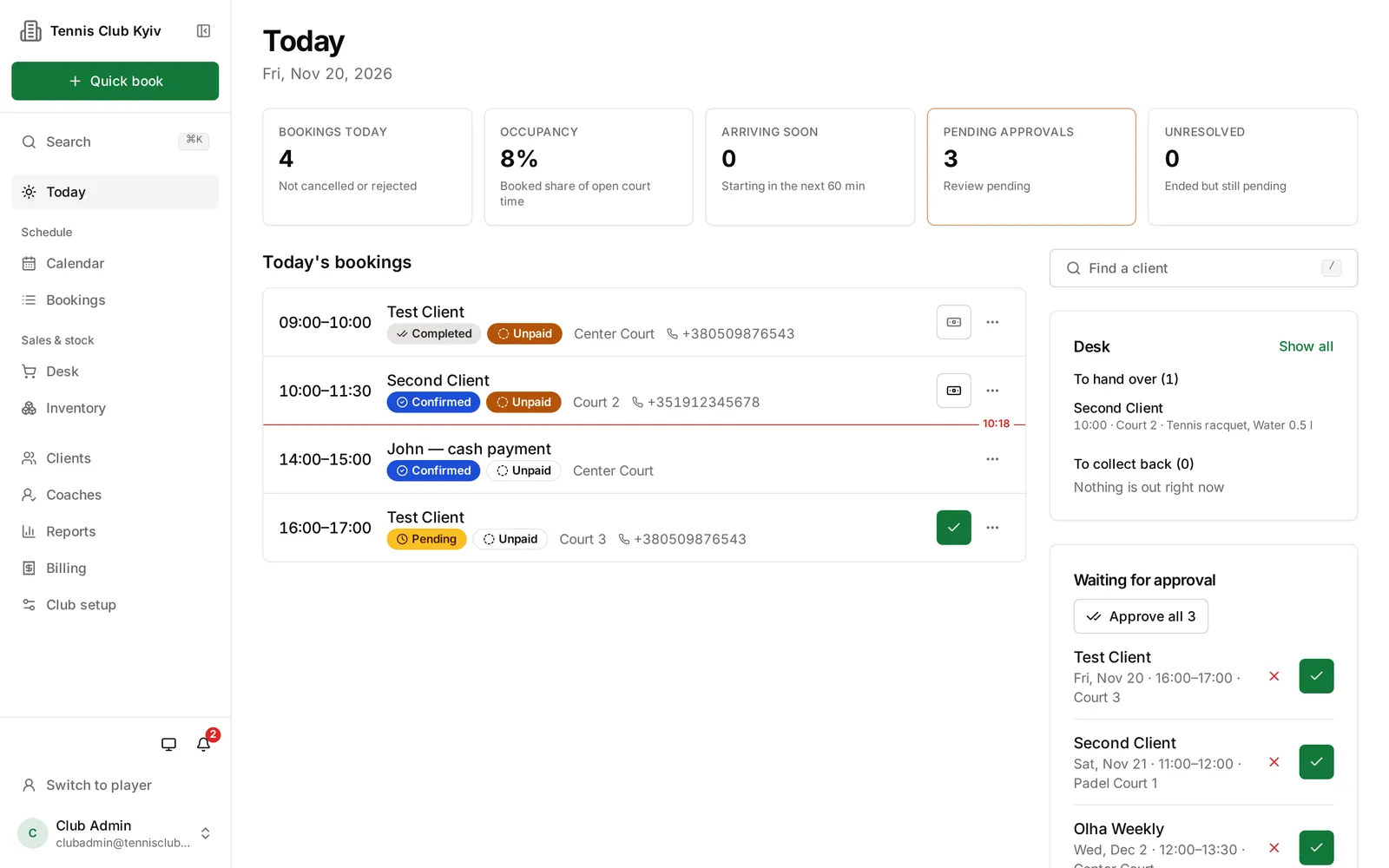
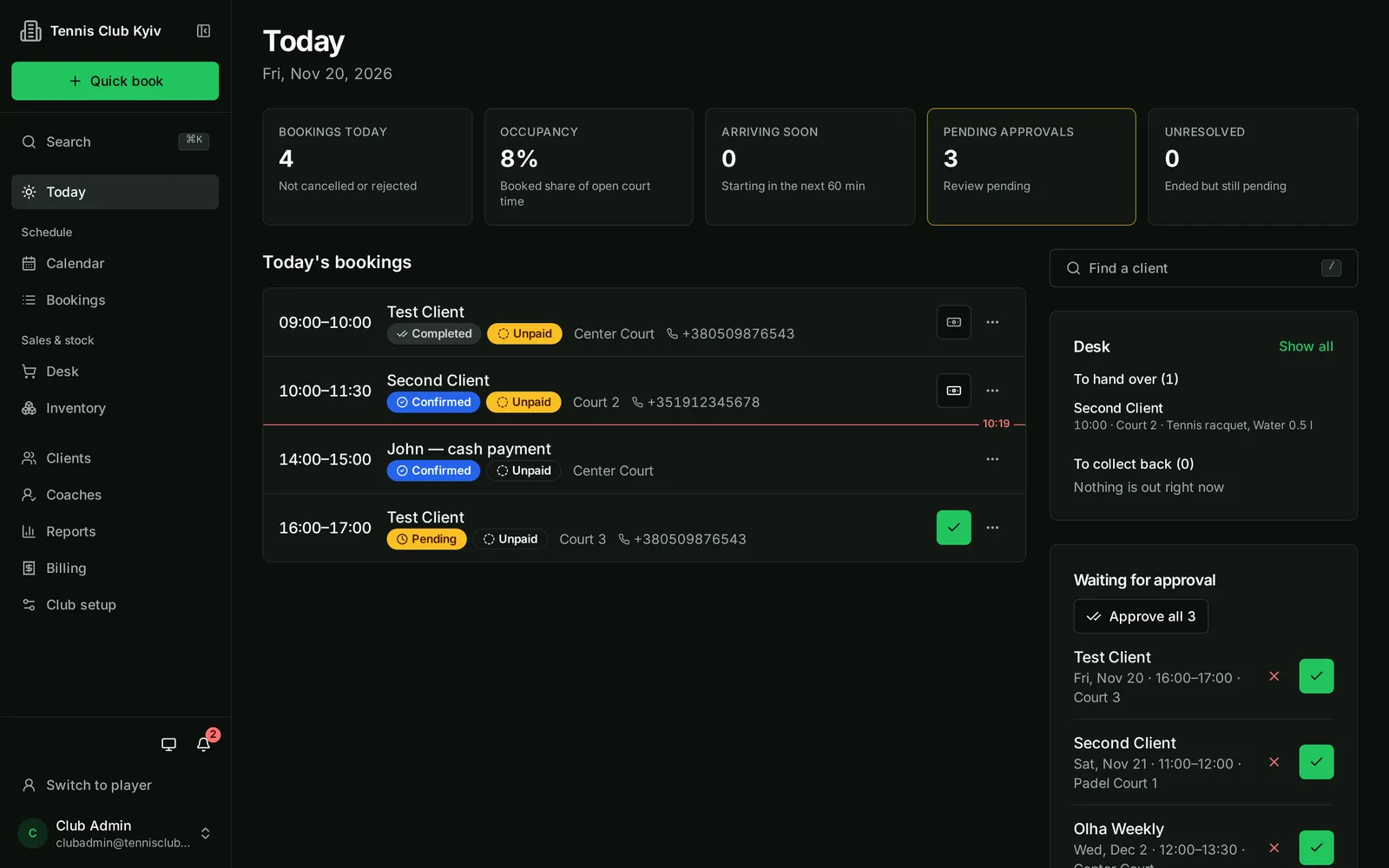
Start the day already knowing it
Who is arriving, what still needs approval and what is unpaid, without scrolling through a calendar.
- Occupancy, arrivals in the next hour, pending approvals
- Approve or reject in one click
- Mark paid in cash or card, or send a payment link from the booking
- Mark no-shows and apply your own no-show policy
Clients and discounts
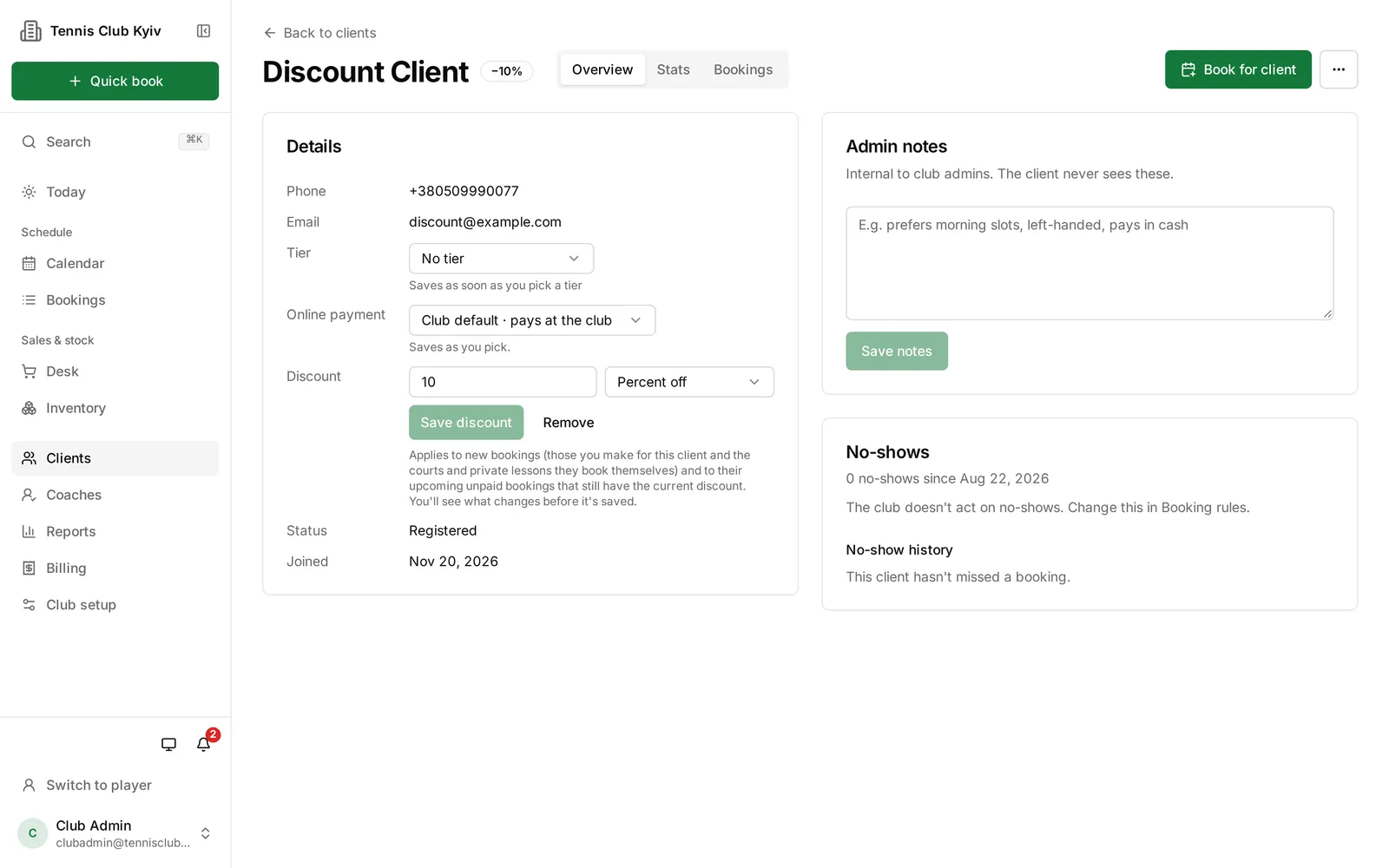
Know your players, reward your regulars
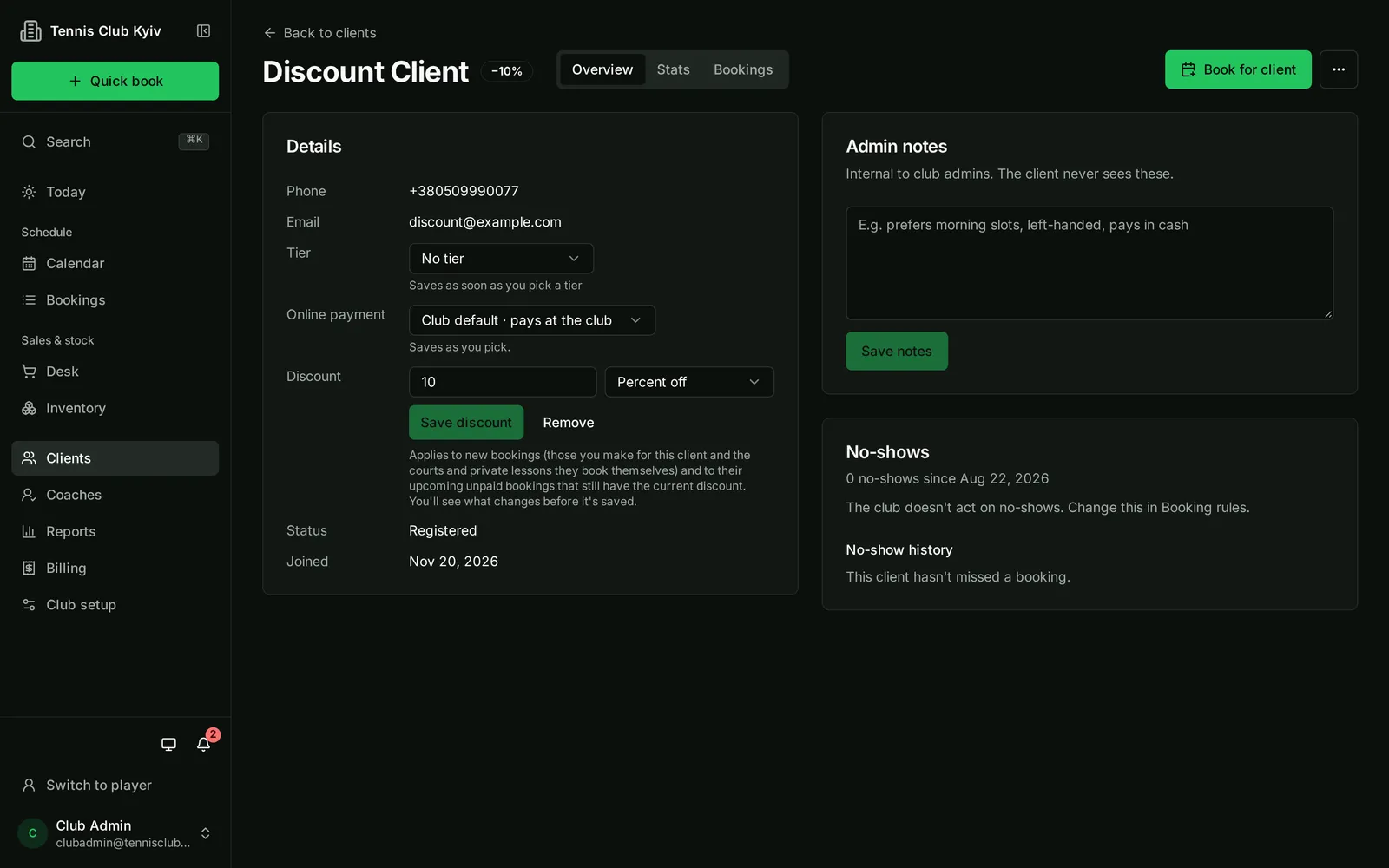
A profile for every player: history, stats and notes only your team sees. A standing discount follows them to every booking, online too.
- Search by name, phone or email, with membership tier labels
- Standing discount per client, percent or amount, applied when they book online
- Import your existing list from CSV, with duplicate handling
- Hourly rates per court and per season, one-off discounts within your limit
Reports
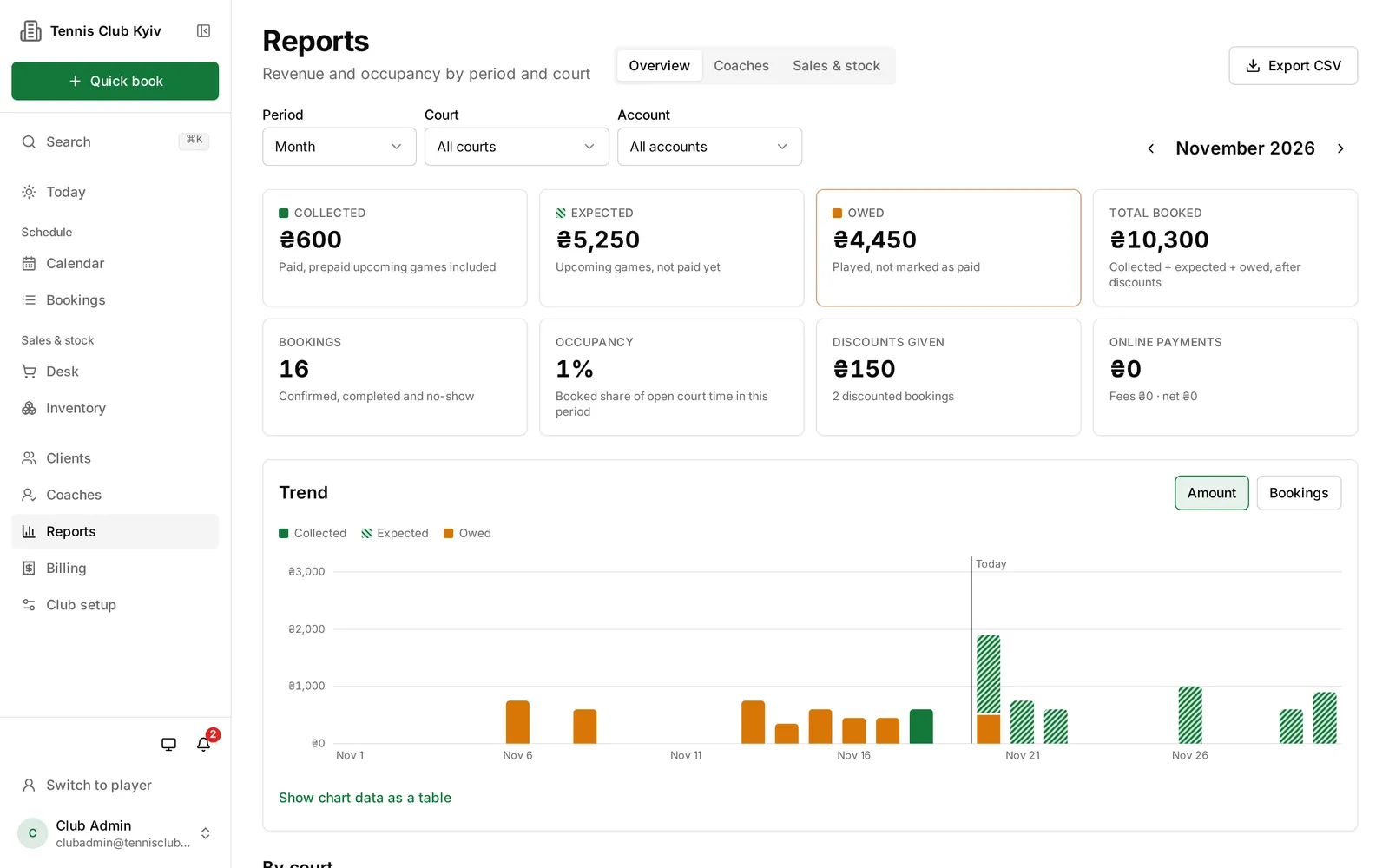
Numbers you can act on
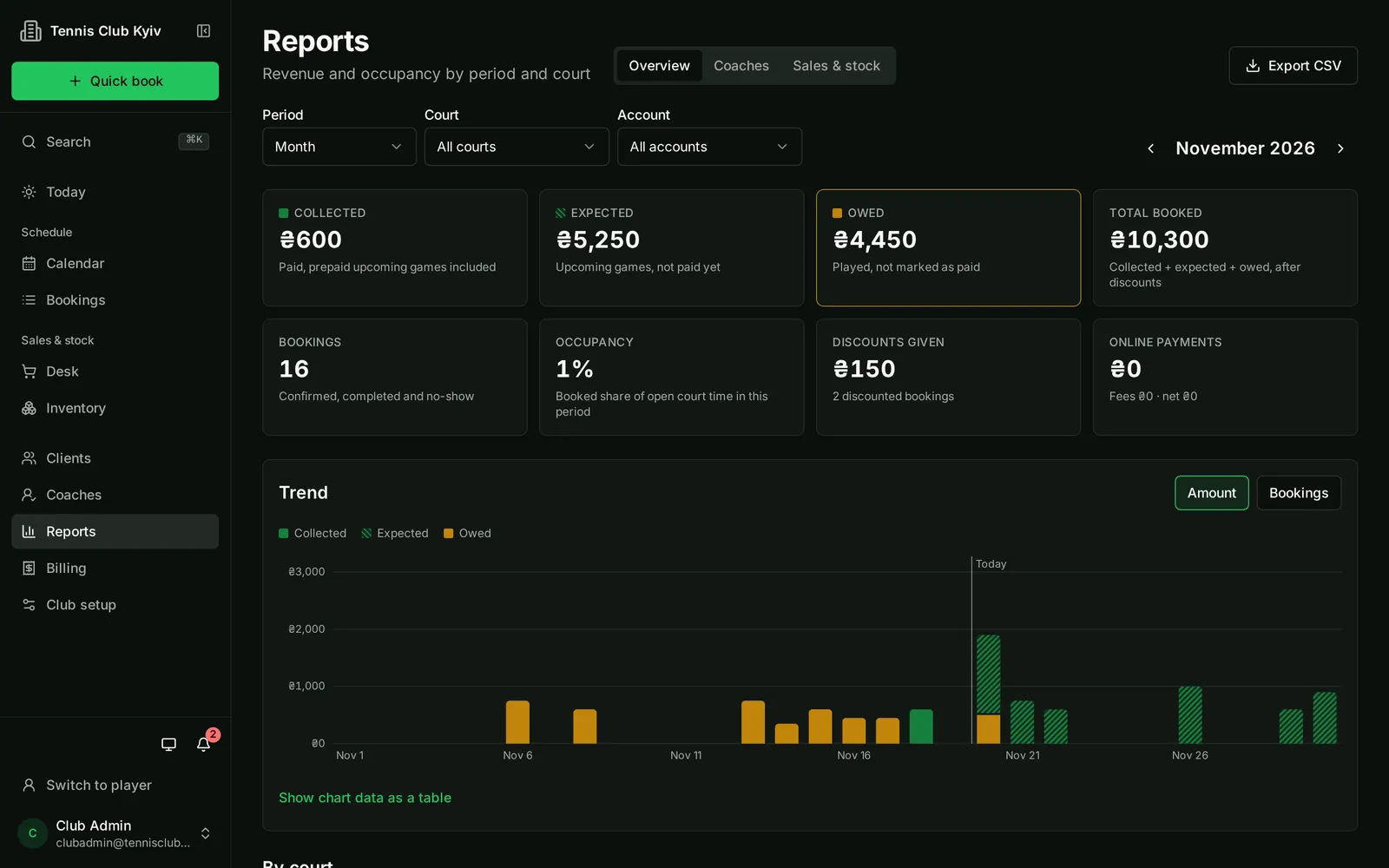
Occupancy and revenue by day, week, month or any range, per court.
- Revenue, collected, still unpaid and discounts given
- Occupancy as a share of open court time
- Trend chart, a per-court table, a filter per merchant account
- CSV export of bookings and of coach payroll
Get paid without chasing anyone
Players pay by card when they book, or a hold is placed and charged after the game. The front desk sends a link or shows a QR code. Money goes to your own merchant account.
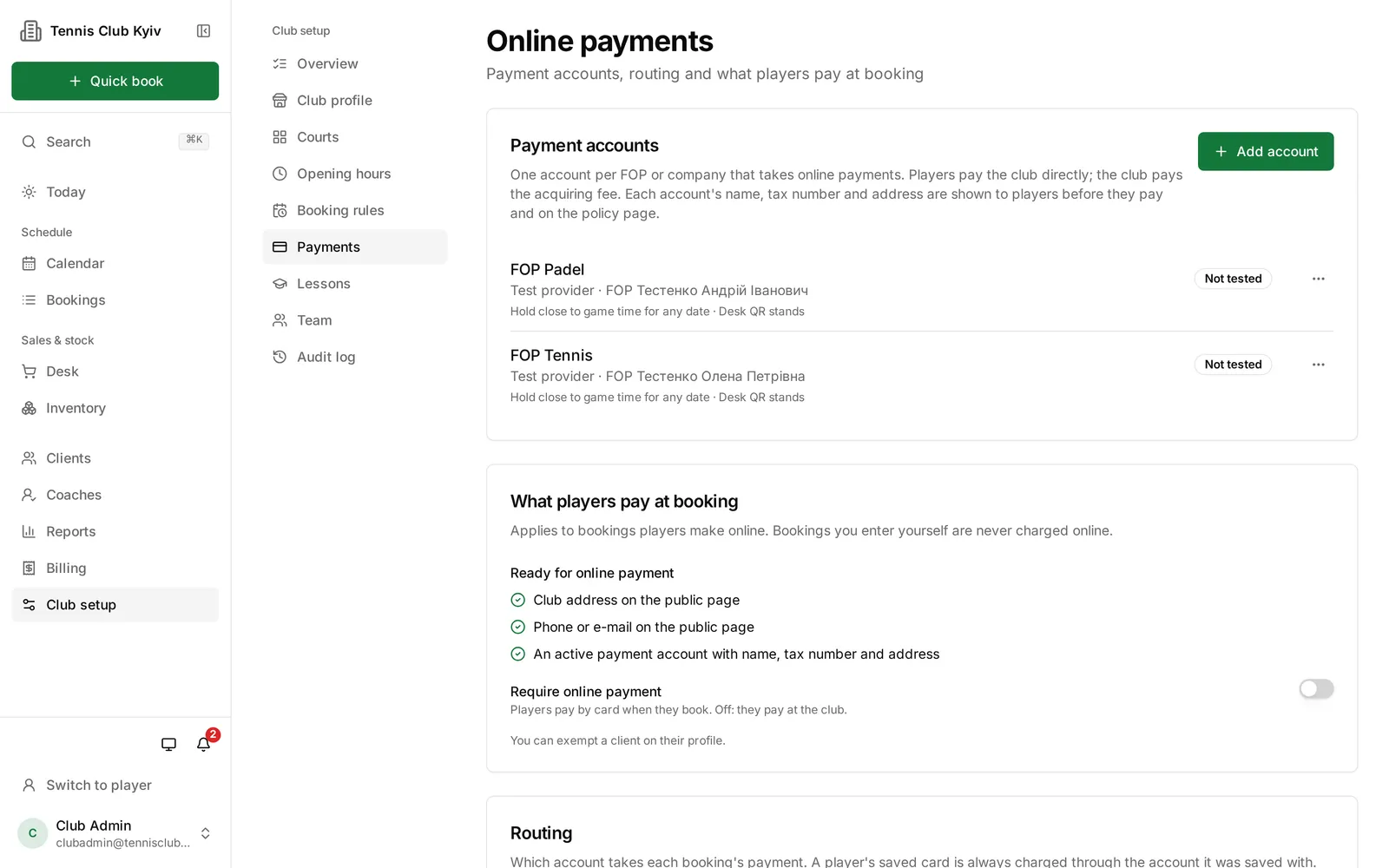
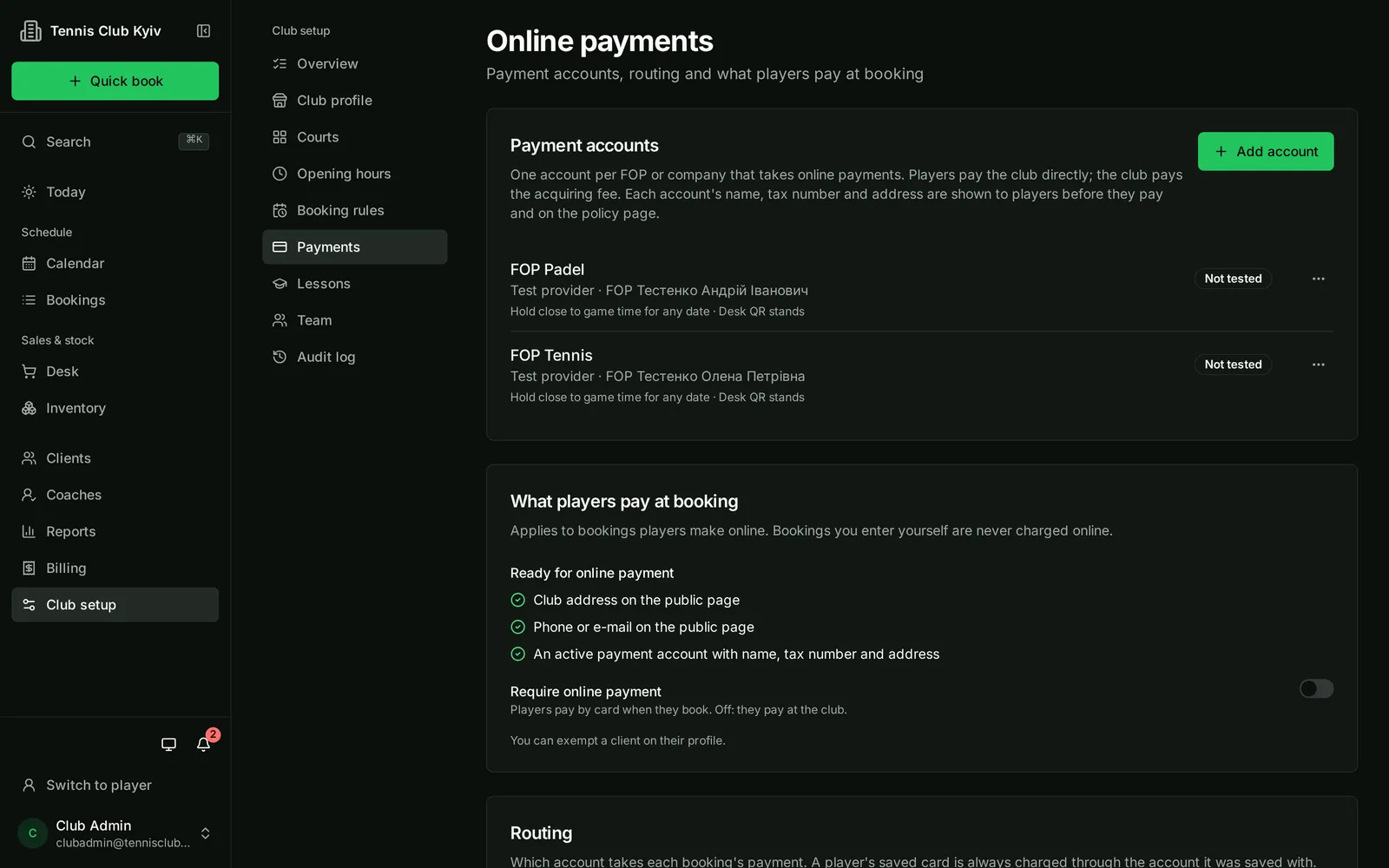
Online payment
Card at booking, or a hold until the game
Connect the LiqPay or monobank merchant of each FOP or company that takes payments, and choose what players pay when they book.
- Require online payment for the whole club, or only for specific clients
- Prepay in full, or hold on the card and charge after the game; cancelling in time releases it
- Unpaid bookings expire after the minutes you set, and the slot is free again
- Refunds and price differences handled online when a booking changes or is cancelled
Front desk
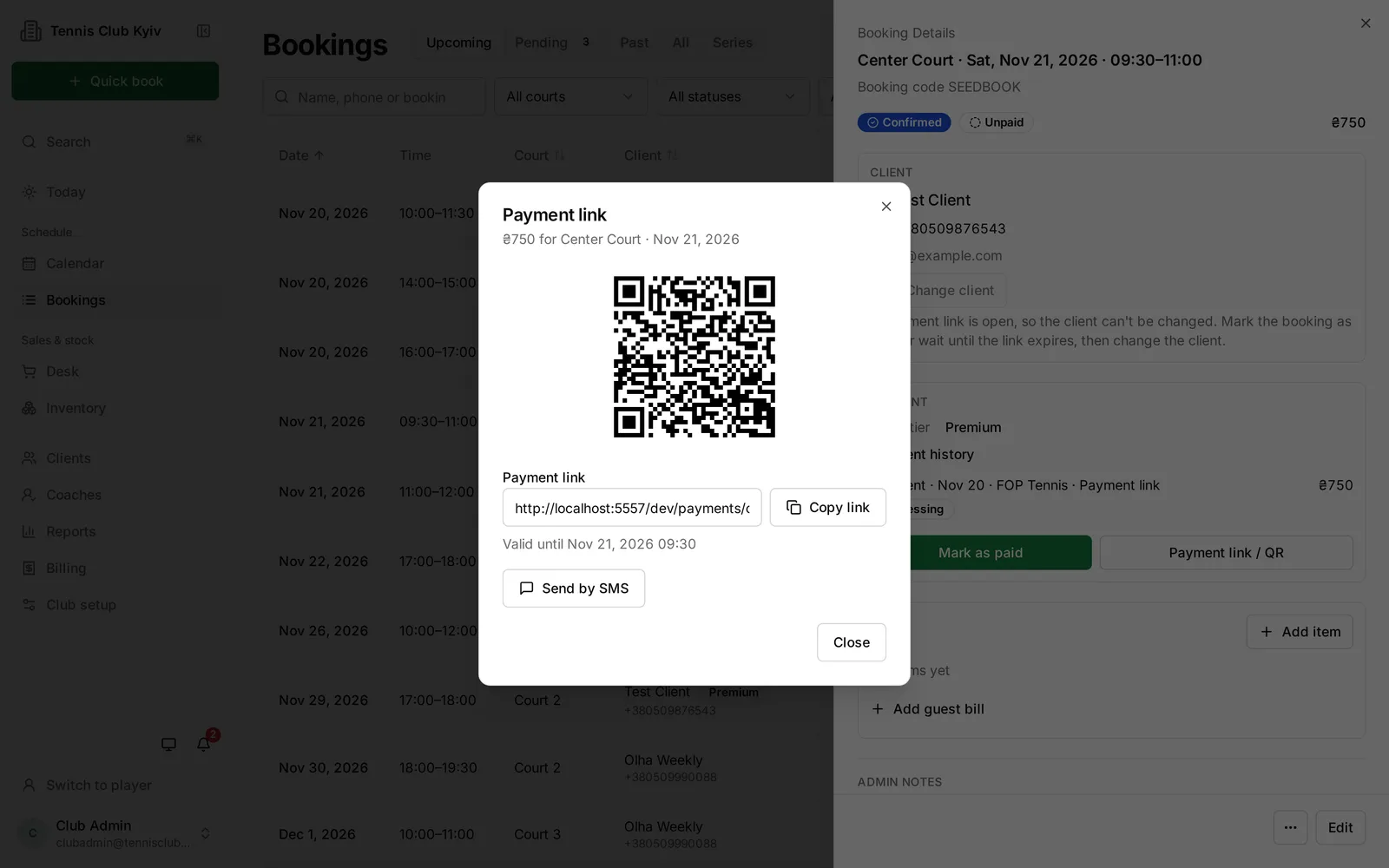
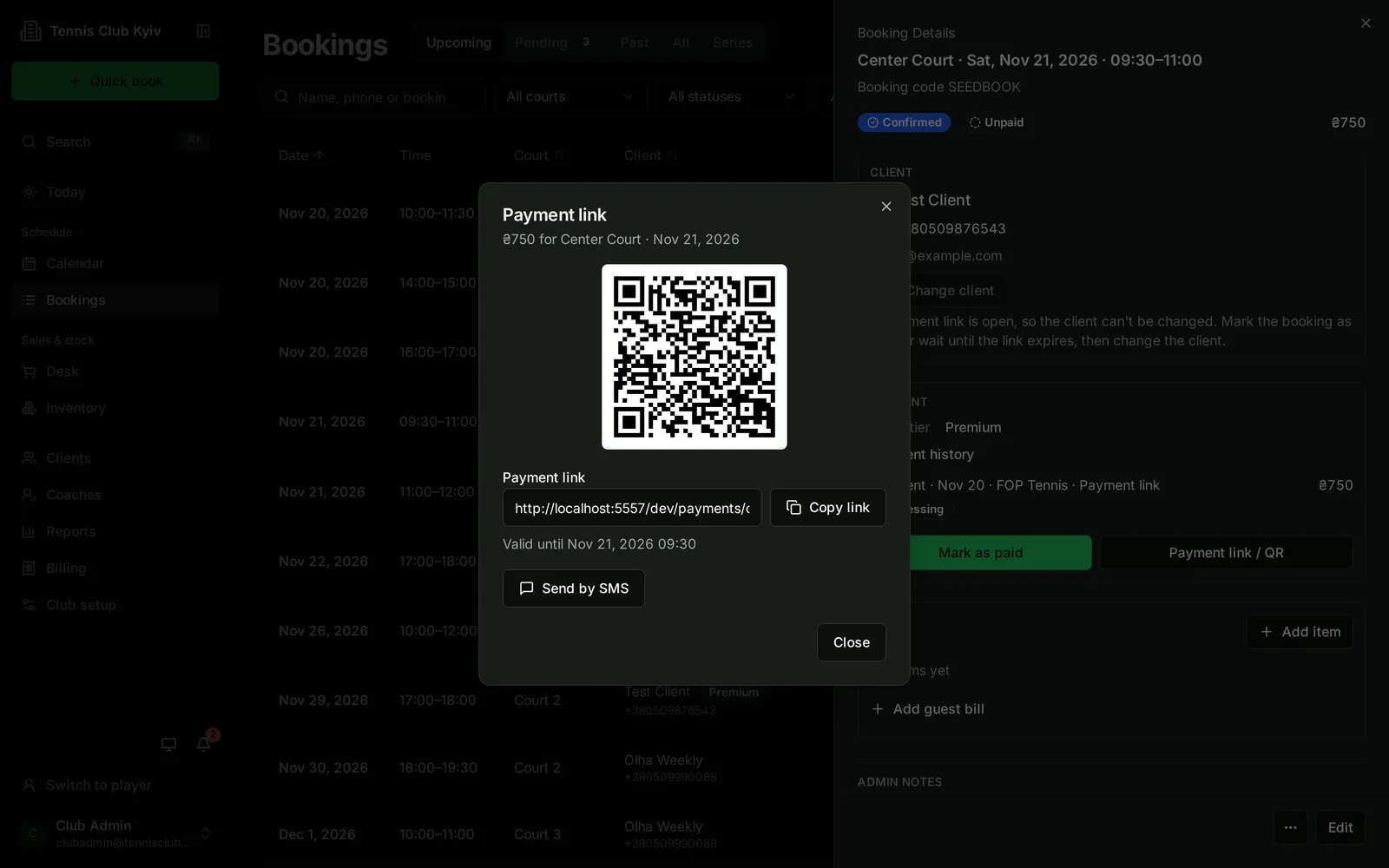
A payment link or QR code for any booking
For walk-ins, phone bookings and balances: open the booking, show the QR code or send the link by SMS. The booking turns paid by itself.
- Players you ask to pay online can also settle a desk booking from their bookings, up to 2 hours after the game
- Paid status arrives from the provider; nobody marks it by hand
- Several merchant accounts: route by court, alternate, or fill one up to a monthly cap
- Reports per merchant account, so each FOP sees its own money
Sell, rent and close the till in the same system
Drinks, balls, grips and rackets: sold at the desk or added to a booking, with stock that counts itself and a cash shift for every staff member.
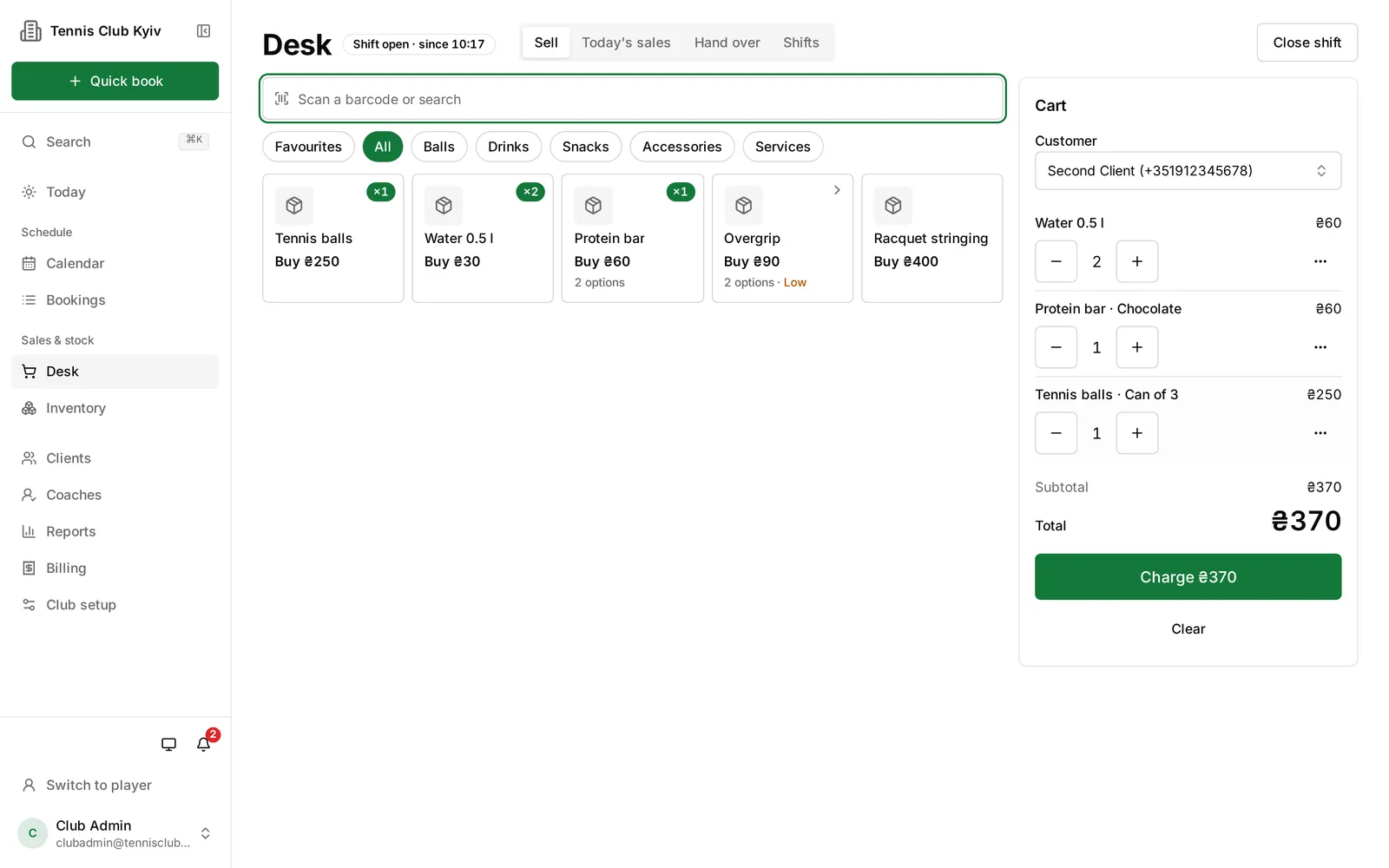
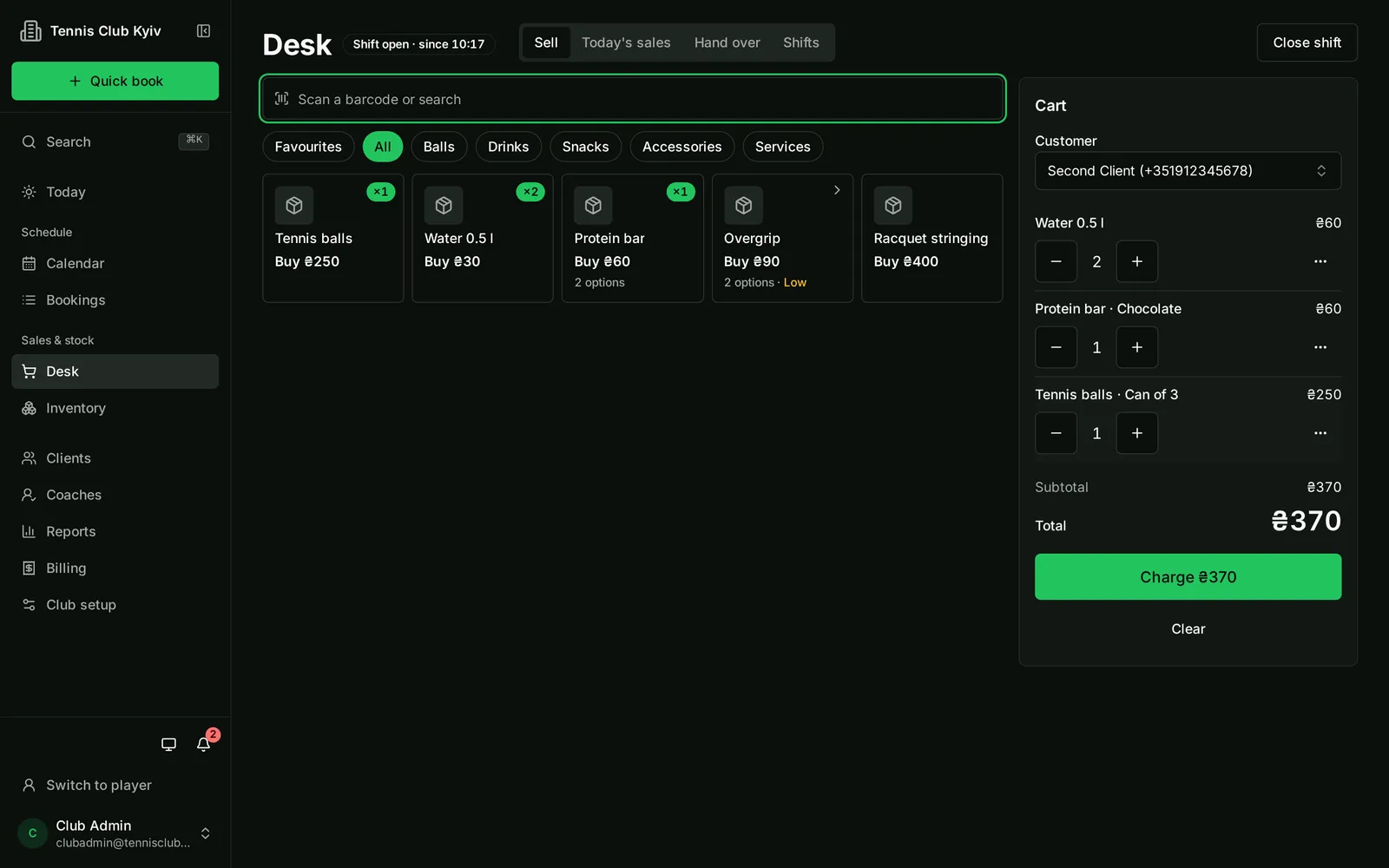
Desk
Quick sale at the desk
Scan a barcode or tap an item, pick the client or a walk-in, and take cash, terminal or a QR payment.
- One cash shift per staff member, opened with a float
- Blind close: staff count the cash before they see what's expected
- Receive stock, write off, blind stocktakes, low-stock alerts
- Import your catalog from CSV
Booking tabs
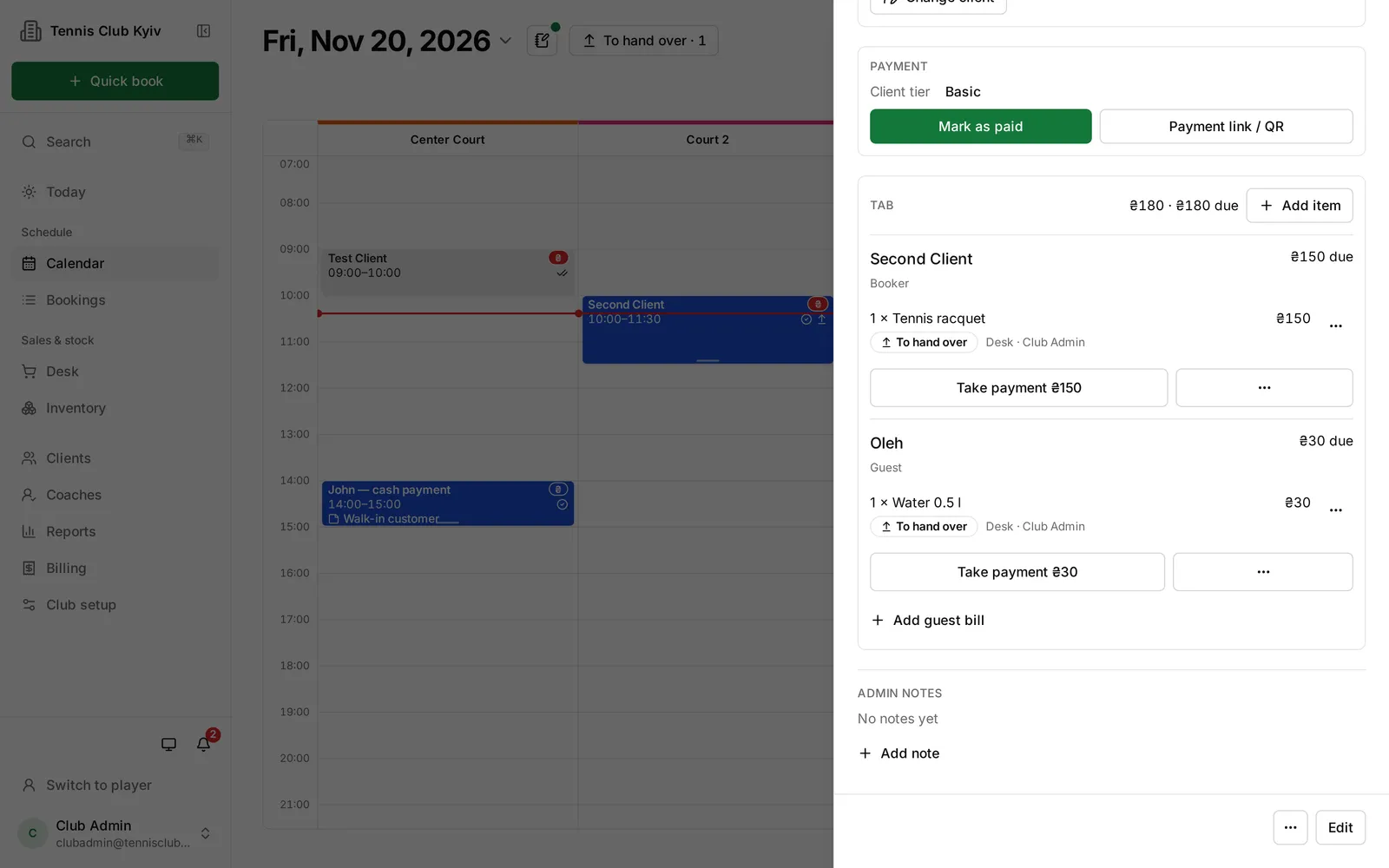
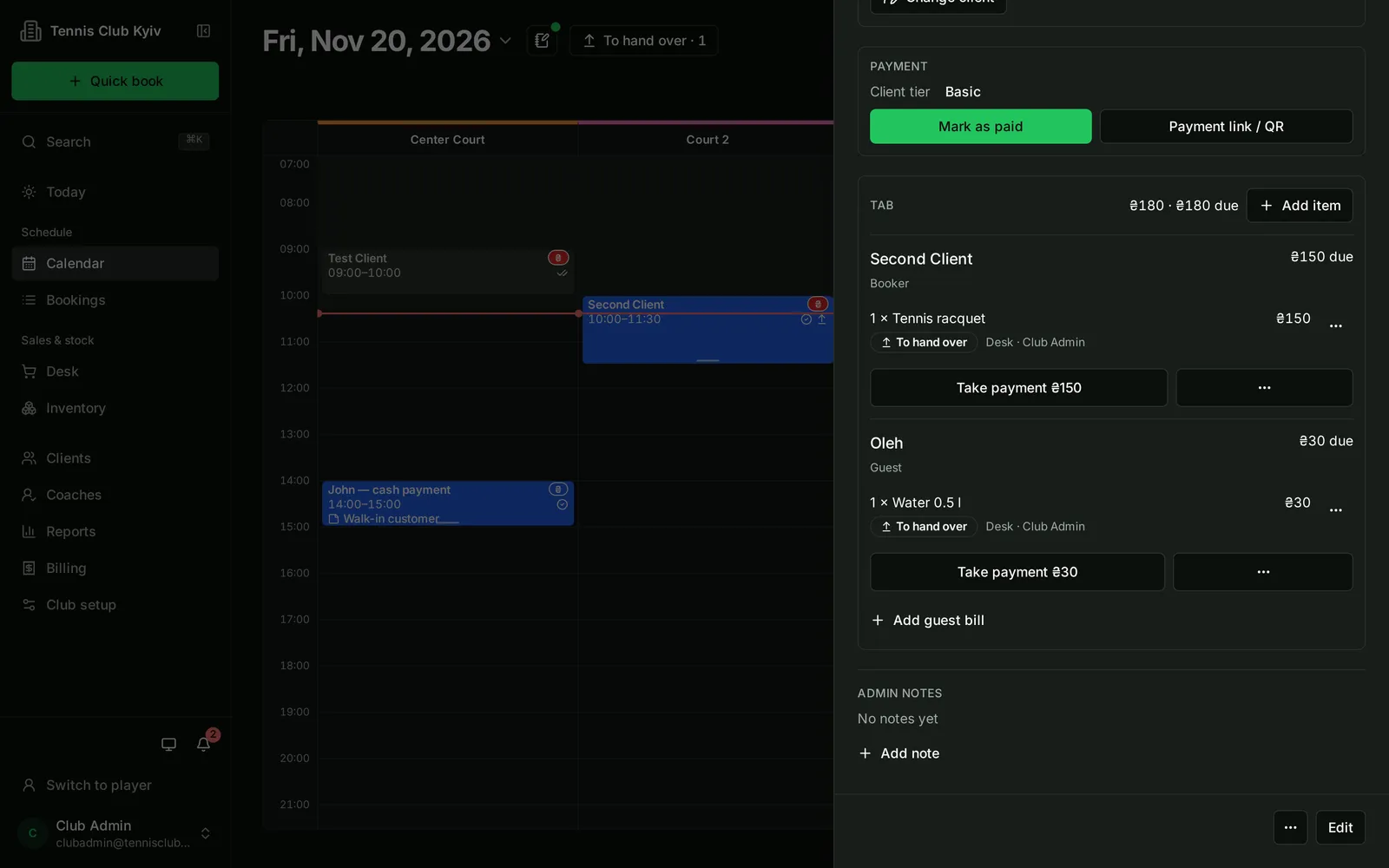
Extras and rentals on the booking
Players add a racket or balls when they book, online too. The desk adds the rest, hands rentals out and checks them back in.
- A bill per payer: the booker, each lesson player, the coach or a guest
- Rentals by the booking or by the hour, counted in total or unit by unit
- Icons on the calendar show what to hand over and what to collect back
- Each category's money goes to the FOP you choose
Desk, stock, booking tabs and the sales and stock reports work on every plan.
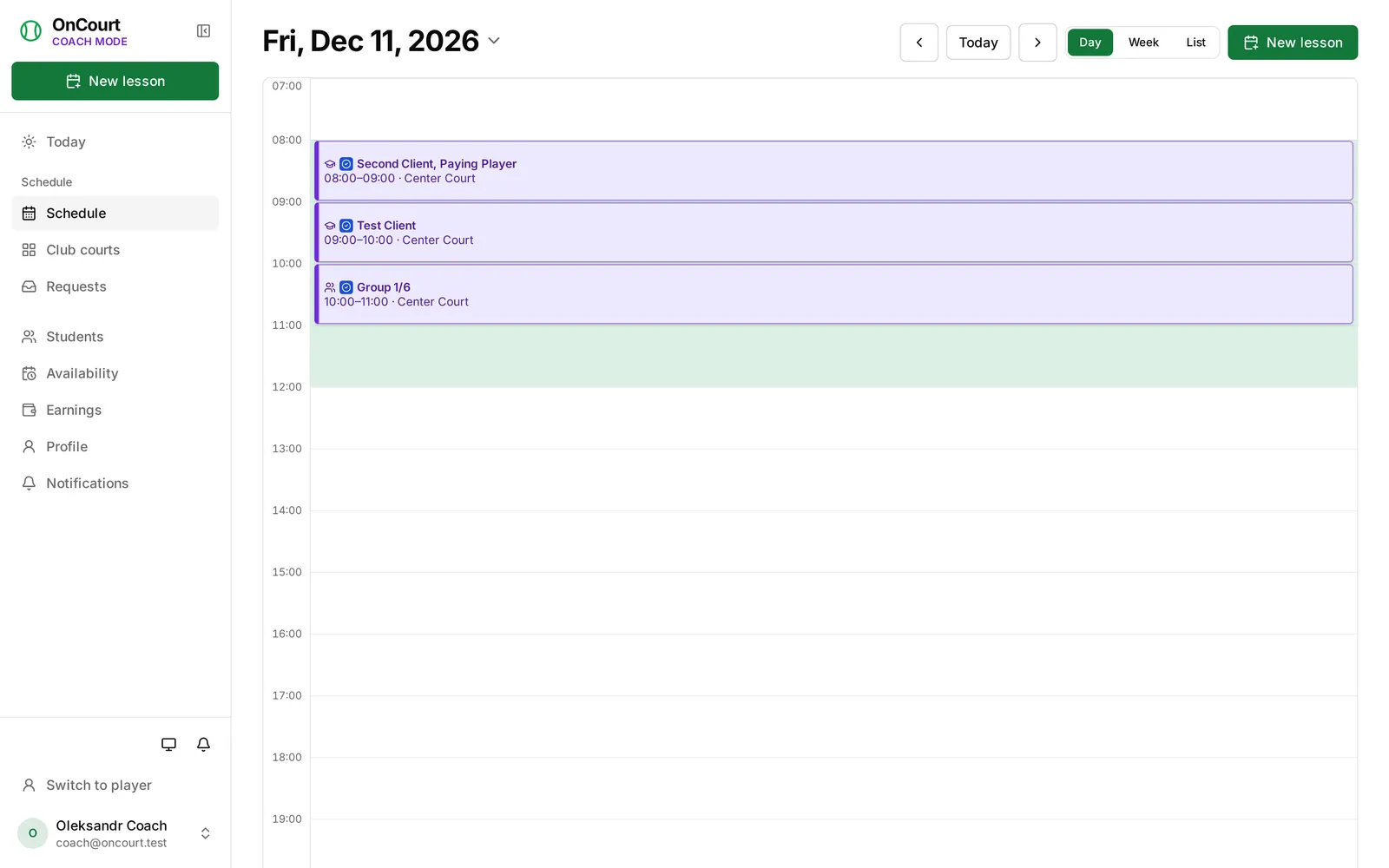
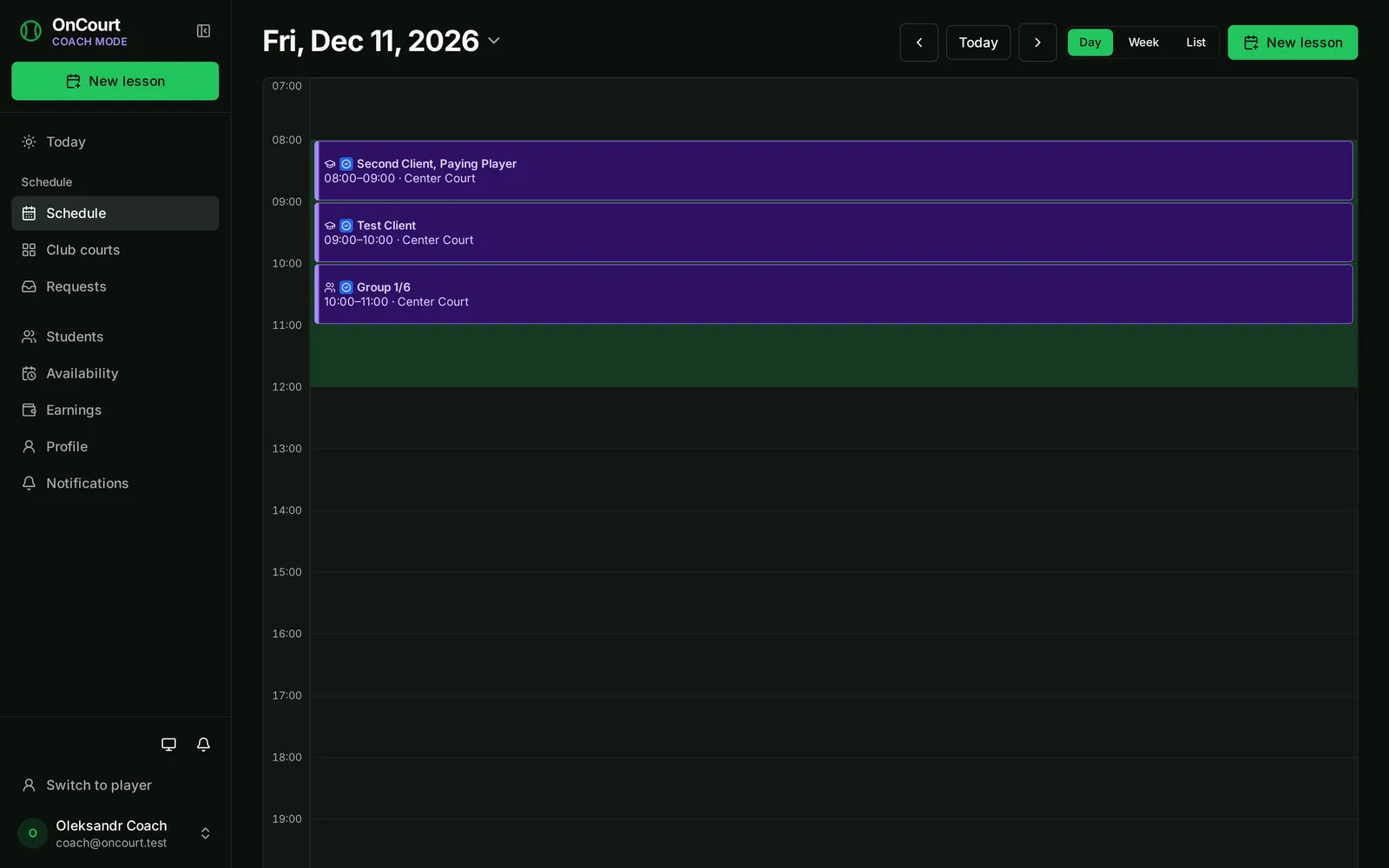
Coaches and lessons on the same calendar
Invite a coach by SMS, set their hours and prices once. Players book lessons from your club page; the court and the coach are reserved together.
Coaches
A portal for every coach
Coaches see their own schedule, requests, students and earnings. You see all of it on the club calendar.
- Weekly hours, days off and a reserved court, with weekly lessons inside it
- Lessons book instantly or wait for the coach's approval, per coach
- Notifications for new lessons and a daily summary
- Reports › Coaches: lessons taught, occupancy and a payroll CSV
Lessons
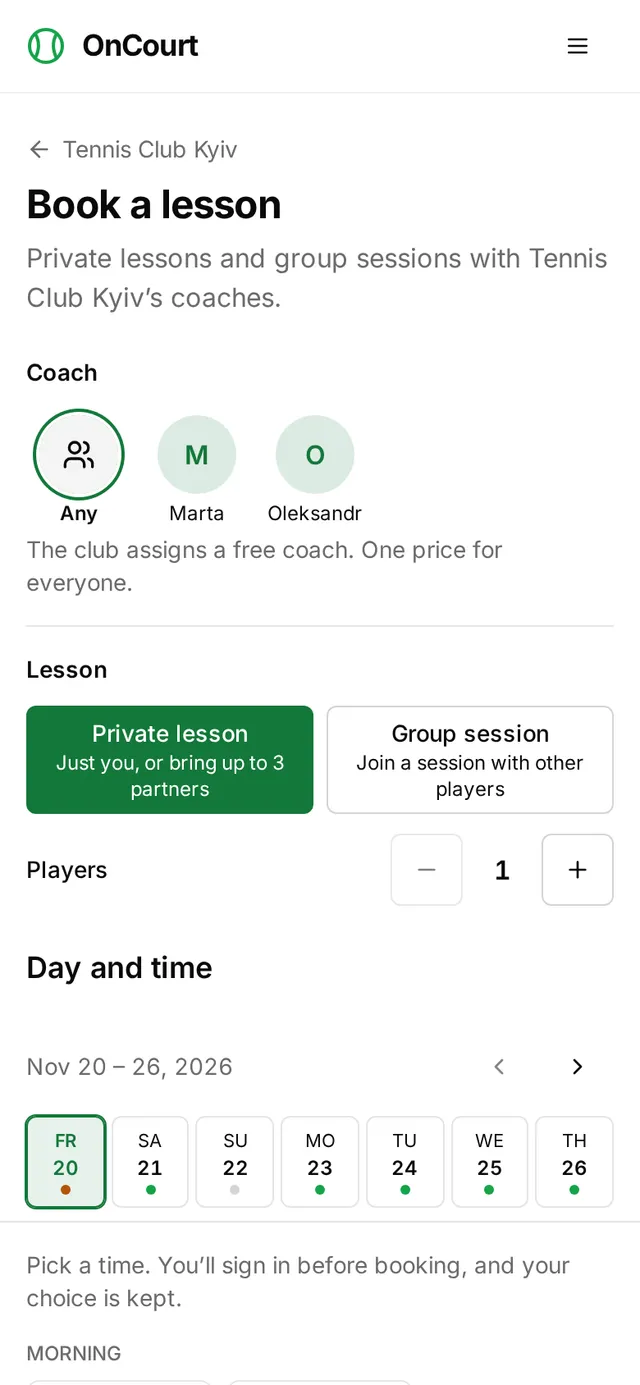
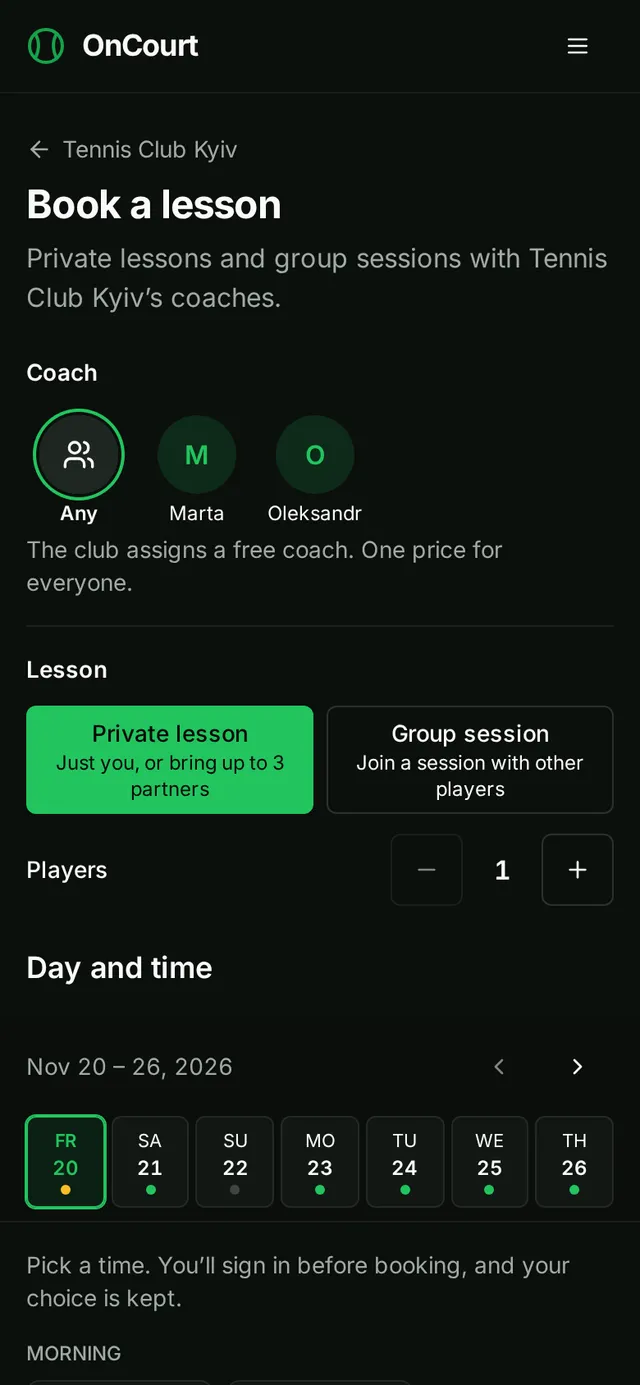
Private lessons and group sessions, priced once
A lesson costs the court's price plus the coach's fee. You set the fees by length and number of players; the rest adds up by itself.
- Private lessons with co-players: the booker pays, or the price is split between them
- Group sessions with seats that players book and pay one by one
- Your coaches also get a page in the public coaches directory
- The front desk books lessons from the same dialog as courts
For your players
Your club in your players' pocket
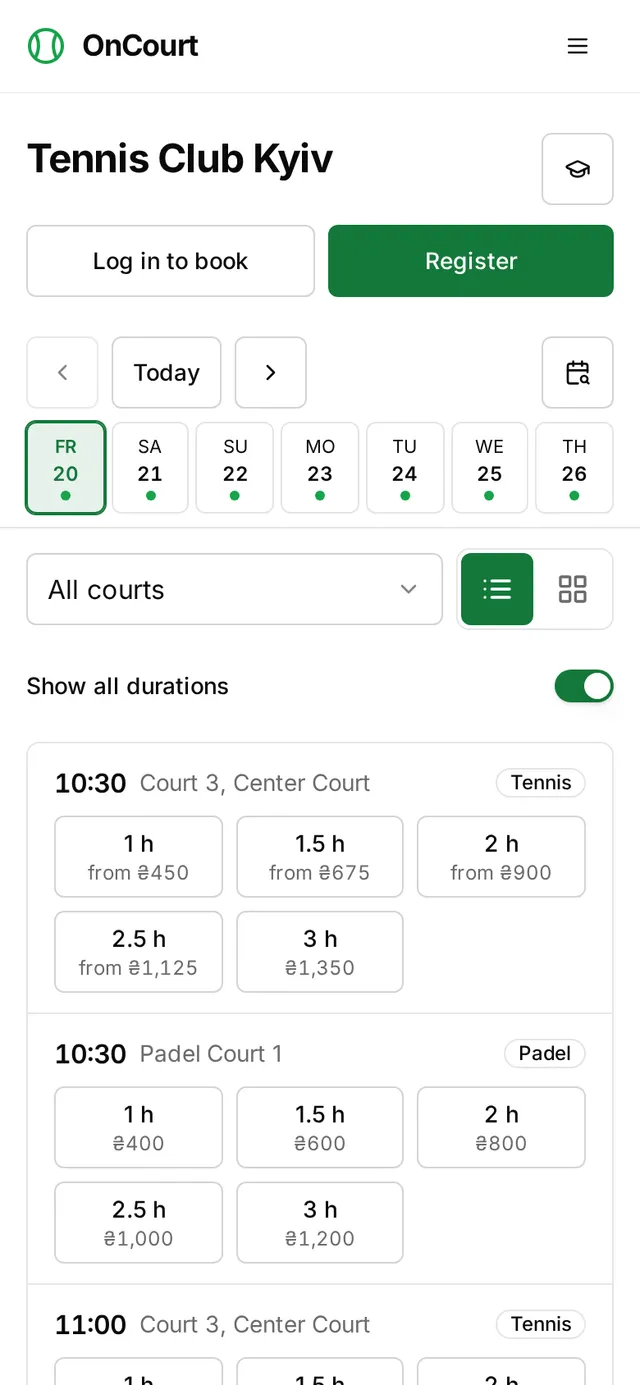
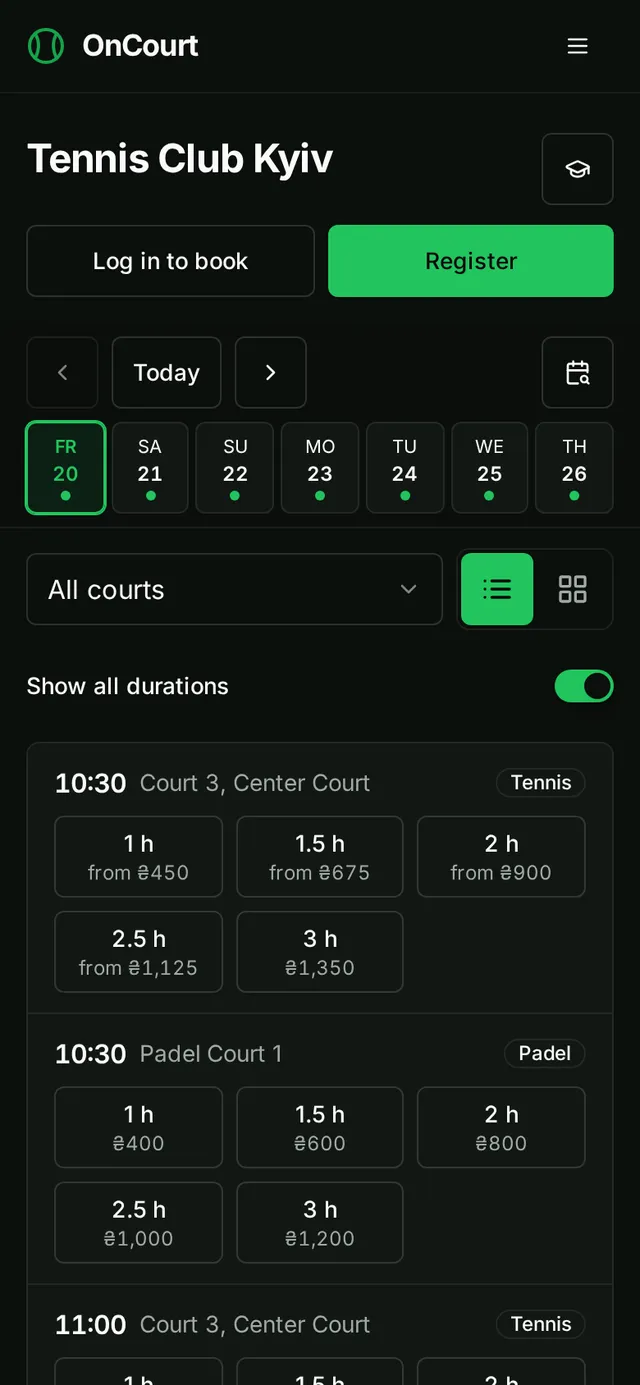
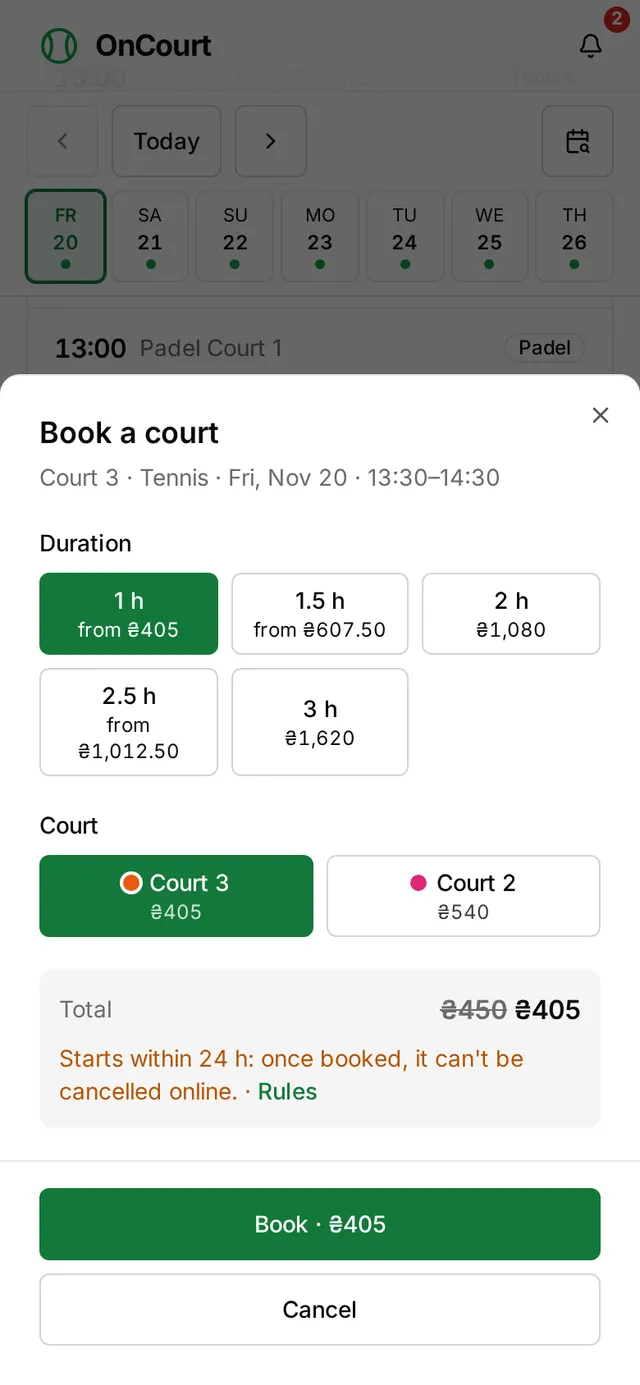
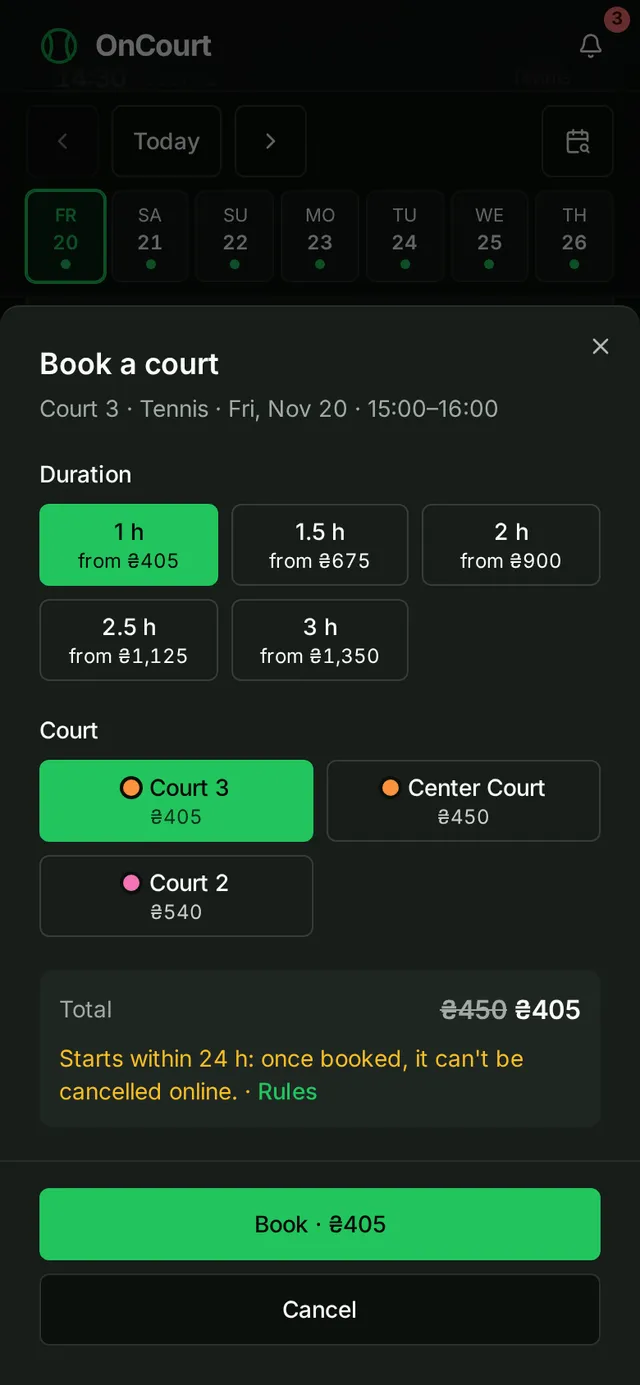
The OnCourt app for iOS and Android, and a public club page for everyone else. Both show your live schedule, your prices and your rules.
- Browse without an account; sign up with a phone number, or with Google or Apple in the app
- Book a court or a lesson, add extras, pay by card if you ask for it
- Push notifications in the app, SMS when it matters, reminders before play
- A waitlist for full times: players hear as soon as a court frees up
- Your own app link and QR code: new players install the app and land on your club
- Ukrainian and English, light and dark
You stay in control of money, staff and data
Everyone works under their own name and role, every change is logged, and the money never passes through us.
Roles for every job
Start from five: Management, Administrator, Front desk, Finance and Viewer. Change them or create your own.
Audit log
Who changed what, and when. Every staff action is recorded.
Your data stays yours
Each club is strictly separated from the others.
Encrypted at rest
Personal data is stored encrypted.
GDPR built in
Players can export or delete their data.
Money goes to you
Card payments land in your merchant account. OnCourt never holds them.
Set up with you, not by you
Onboarding is personal. You don't need a technician, and players can keep booking the way they're used to while you switch.
Show us your club
A walkthrough with your own courts, prices and hours, in Ukrainian or English.
We set it up together
Courts, rates and seasons, booking rules, coaches, your LiqPay or monobank accounts, and your client list from CSV.
Go live
Share your page link and QR code. Players book on the web or in the app, and your desk works from the same calendar.
Try it free, then pay as your club grows
Every plan includes bookings, payments, coaches, the desk and the player app.
Subscription
from ₴900 per month
Priced by court count, paid monthly or yearly.
Save up to 15% with a yearly plan
Commission
per booking
Instead of a subscription: a rate on each booking that took place. Cancelled bookings cost nothing; no-shows count.
Every club starts with a free trial. We agree its length when we set you up.
Questions clubs ask
Do our players have to install the app?
No. Your club page works in any browser, and the desk can still take bookings by phone. The app is for players who want it, with push notifications.
Where does the players' money go?
Straight to your own LiqPay or monobank merchant account. OnCourt never holds it. With several FOPs, you choose which account takes which court or product category, with an optional monthly cap.
Who pays the card acquiring fee?
Your club, under its own agreement with LiqPay or monobank. Players pay your price, and OnCourt adds nothing on top.
What about fiscal receipts?
For online payments, receipts go through your provider's PRRO or your own, set per account. For desk sales, keep using your own register for now.
What do we need to start?
Your courts, prices and opening hours. For online payments, a LiqPay or monobank merchant account for each FOP that takes them. We do the rest with you.
Can we take our data with us?
Yes. Bookings and coach payroll export to CSV, and you can cancel any time: the plan runs to the end of the paid period.
Does it work for padel as well as tennis?
Yes. Each court is tennis or padel, with its own surface, rates and seasons, and players filter clubs by sport.
What's coming next?
Prepaid packages and memberships, vouchers and gift cards, peak and off-peak prices, and tournaments are on our list. No dates yet.
See it with your own courts
Write to us and we'll walk you through OnCourt with your courts, prices and hours, then set your club up together.
Already on OnCourt? Club staff sign-in
- Start with a free trial
- We set up your club with you
- Payments go straight to your LiqPay or monobank account